
Der Walter
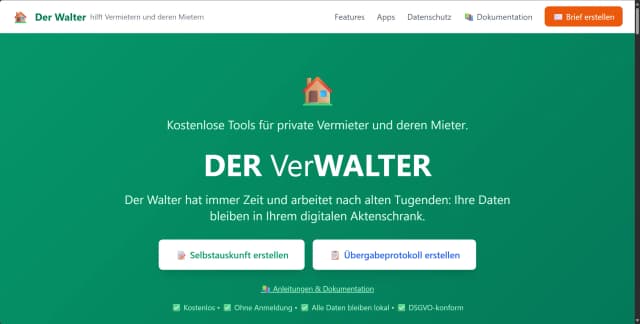
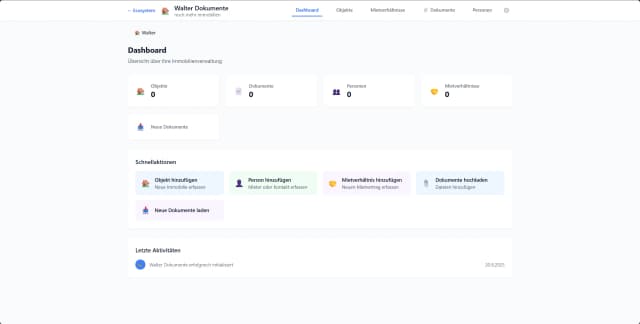
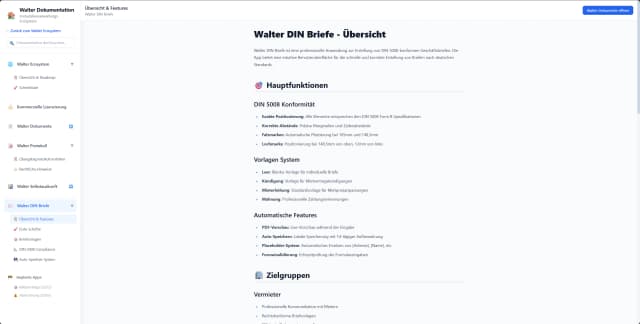
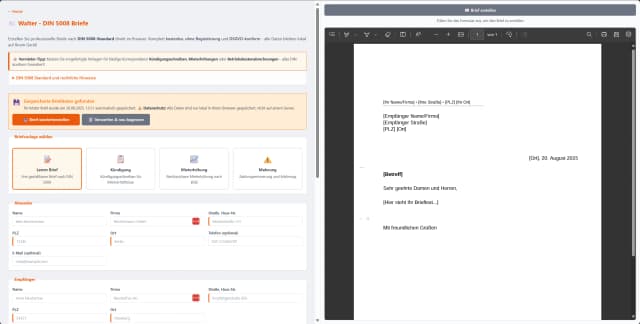
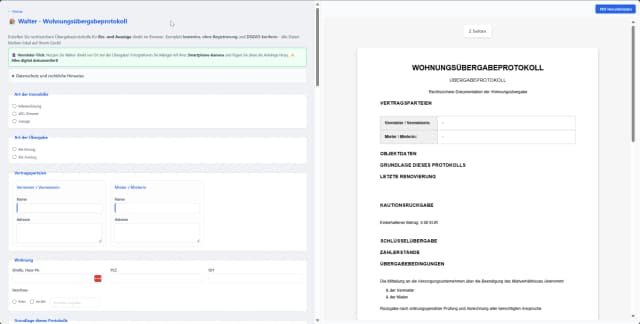
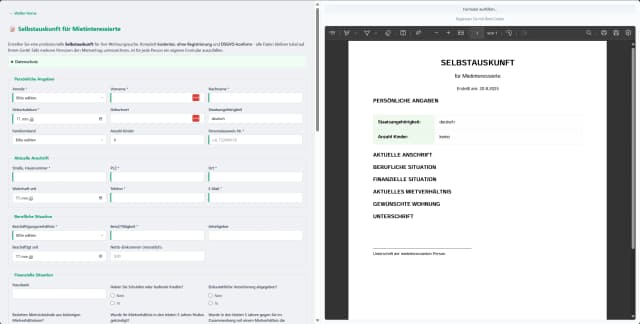
Der Walter bietet eine umfassende digitale Lösung speziell für private Vermieter, die ihre Immobilienverwaltung effizient und sicher gestalten möchten. Die Plattform stellt kostenlose Tools bereit, mit denen Vermieter wichtige Dokumente wie Mietverträge, Übergabeprotokolle und Selbstauskünfte digital verwalten können. Dabei legt Der Walter großen Wert auf Datenschutz und DSGVO-Konformität, indem alle Daten lokal auf dem Computer des Nutzers gespeichert werden, ohne dass eine Registrierung erforderlich ist. Dies ermöglicht eine einfache, transparente und sichere Verwaltung von Mietverhältnissen, die sowohl Vermietern als auch Mietern zugutekommt. Die benutzerfreundliche Anwendung unterstützt private Vermieter dabei, den Verwaltungsaufwand zu reduzieren und gleichzeitig rechtlich relevante Dokumente professionell zu erstellen und zu archivieren. Insgesamt richtet sich Der Walter an private Immobilienbesitzer, die eine kostenlose, digitale und datenschutzfreundliche Alternative zu herkömmlichen Verwaltungsprozessen suchen.
Share your honest experience with Der Walter
Website
der-walter.deCategory
Web AppTags

Fluxedita
Fluxedita is a modular web application platform designed to streamline the process of building and managing editable websites with live editing capabilities. It eliminates the traditional handover friction between developers and clients by providing a fully guided, versatile, and reusable environment. The platform empowers users to create modern websites efficiently, enabling seamless collaboration and real-time content updates without the need for complex workflows or technical expertise. Fluxedita's innovative approach focuses on reducing development time while enhancing flexibility, making it ideal for agencies, freelancers, and businesses looking to maintain dynamic web presences. By integrating reusable licenses and guided client handover features, Fluxedita ensures that website management is intuitive and scalable. Its user-friendly interface and powerful editing tools support productivity and creativity, positioning Fluxedita as a cutting-edge solution in the web development and content management space.

MBtoKB Compressor
MBtoKB Compressor is a specialized online tool designed to compress images to precise file sizes measured in kilobytes (KB). It enables users to reduce large image files measured in megabytes (MB) down to exact KB targets such as 20KB, 50KB, or 100KB, which is particularly useful for optimizing images for email attachments, web pages, and form uploads where file size limits are critical. The compressor balances quality and compression to ensure images remain visually appealing while meeting strict size requirements. This tool is ideal for web developers, marketers, and anyone needing to optimize images for faster loading times and reduced bandwidth consumption without sacrificing clarity. Its user-friendly interface and advanced compression algorithms make it easy to achieve the desired file size quickly and efficiently, supporting various image formats and use cases.

ImagZilla
ImagZilla is a powerful online platform designed to compress, convert, and optimize images quickly and efficiently. It supports popular image formats such as JPG, PNG, and WebP, allowing users to reduce file sizes without compromising quality. ImagZilla is ideal for web developers, marketers, and content creators who need to enhance website performance by minimizing image load times. The service offers easy-to-use tools that enable users to convert JPEG to JPG, compress images down to as low as 20KB, and convert images to WebP format, all without requiring any sign-up or installation. ImagZilla’s fast, free, and user-friendly interface makes it accessible for anyone looking to optimize images for better online experiences. By streamlining image management, ImagZilla helps improve site speed, SEO, and overall user engagement, making it an essential tool for digital workflows.

UnminifyDev: All-in-One Dev Productivity
UnminifyDev is a comprehensive web-based development productivity suite designed to streamline coding workflows and enhance developer efficiency. It offers a variety of essential tools including code beautification, an integrated code editor, subtitle generation, and text-to-speech (TTS) capabilities. By providing these functionalities in one accessible platform, UnminifyDev eliminates the need to switch between multiple applications, enabling developers to focus more on writing and refining code. The code beautifier helps transform minified or compressed code into readable, well-formatted scripts, improving debugging and collaboration. The built-in editor supports seamless coding with syntax highlighting and editing features. Additionally, subtitle and TTS tools assist in creating accessible multimedia content, making it a versatile tool for developers working on diverse projects. Overall, UnminifyDev empowers developers to optimize their productivity with a unified, easy-to-use set of tools tailored for modern web development needs.

Steal A Brainrot Calculator
The Steal A Brainrot Calculator is a specialized web tool designed for players of the Roblox game 'Steal A Brainrot.' It allows users to optimize their gameplay by calculating the earnings generated by various characters, factoring in mutations, levels, rebirths, server luck, and multipliers. Players can select from a wide range of characters categorized by rarity, input their quantities and upgrades, and instantly see detailed earnings per second, minute, hour, and day. The calculator also supports saving and loading custom setups locally, enabling players to compare and refine strategies efficiently. Fully responsive and user-friendly, this fan-made tool empowers gamers to maximize their in-game profits quickly and accurately without any official affiliation with Roblox. Whether on desktop or mobile, the Steal A Brainrot Calculator streamlines decision-making and enhances the overall gaming experience by providing clear, actionable insights into character performance and optimal configurations.

Sand One
Sand One is a progressive web app (PWA) designed to gamify daily habit tracking by incorporating experience points (XP) and leveling mechanics. It transforms mundane routine management into an engaging, game-like experience, motivating users to build and maintain positive habits through rewards and progression systems. By leveraging gamification, Sand One encourages consistent daily actions, helping users improve productivity, wellness, and personal growth. The app’s intuitive interface and seamless PWA technology make it accessible across devices without installation barriers, providing a smooth and immersive user experience. Sand One is ideal for anyone looking to enhance their habit-building journey with fun, interactive elements that drive long-term behavioral change.