
Voicery
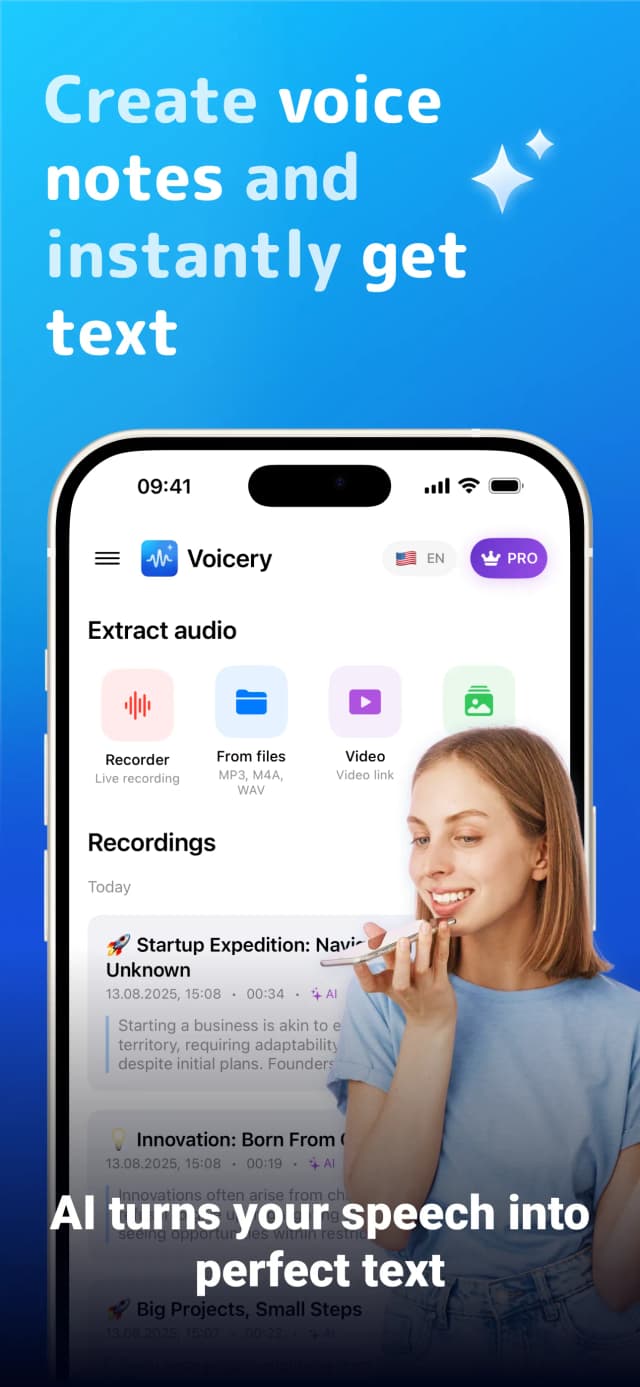
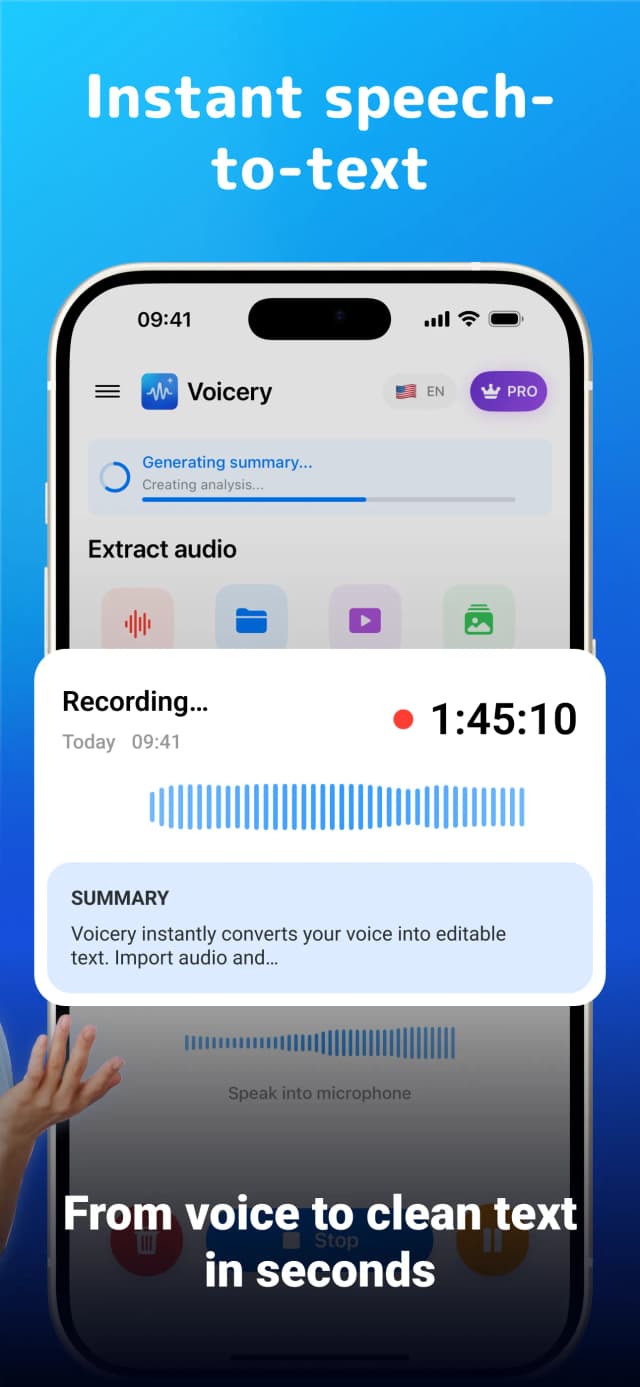
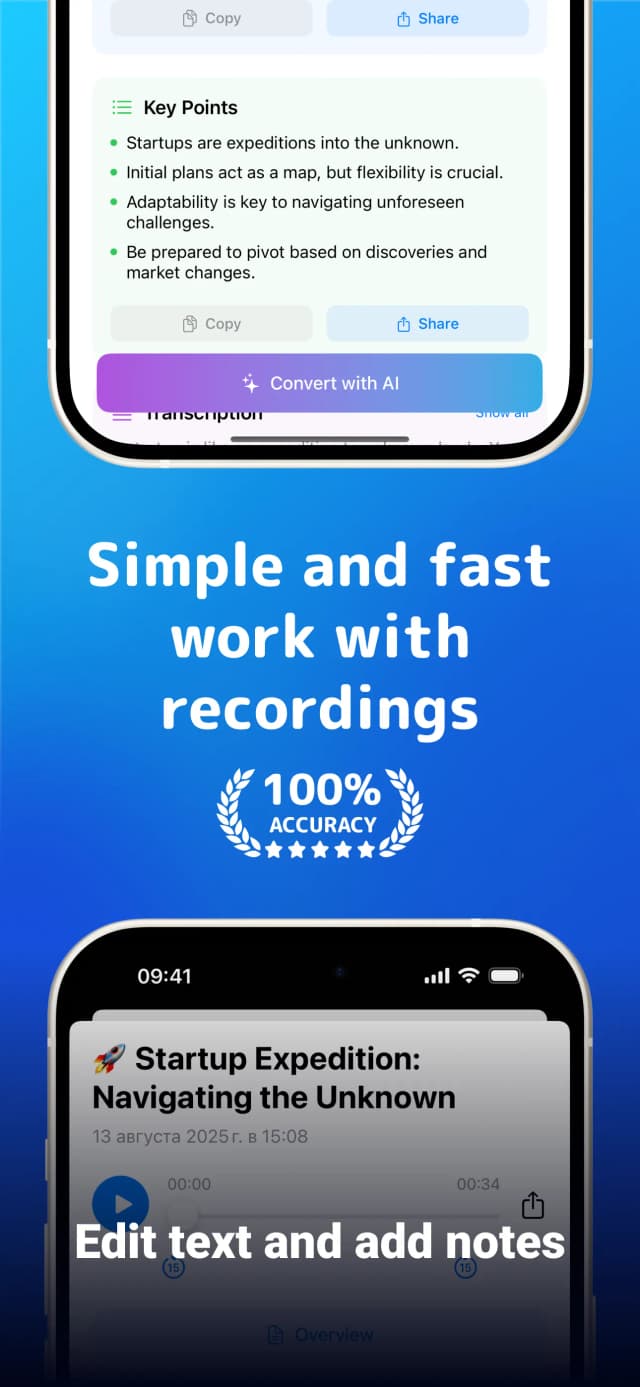
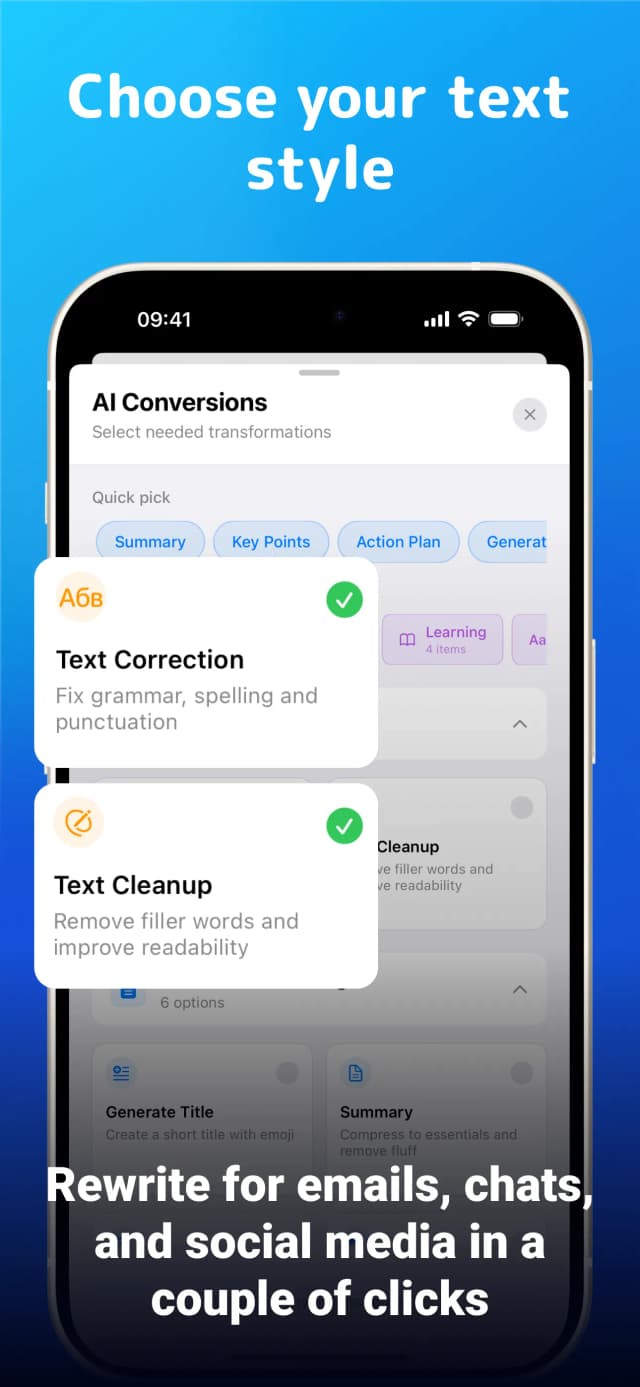
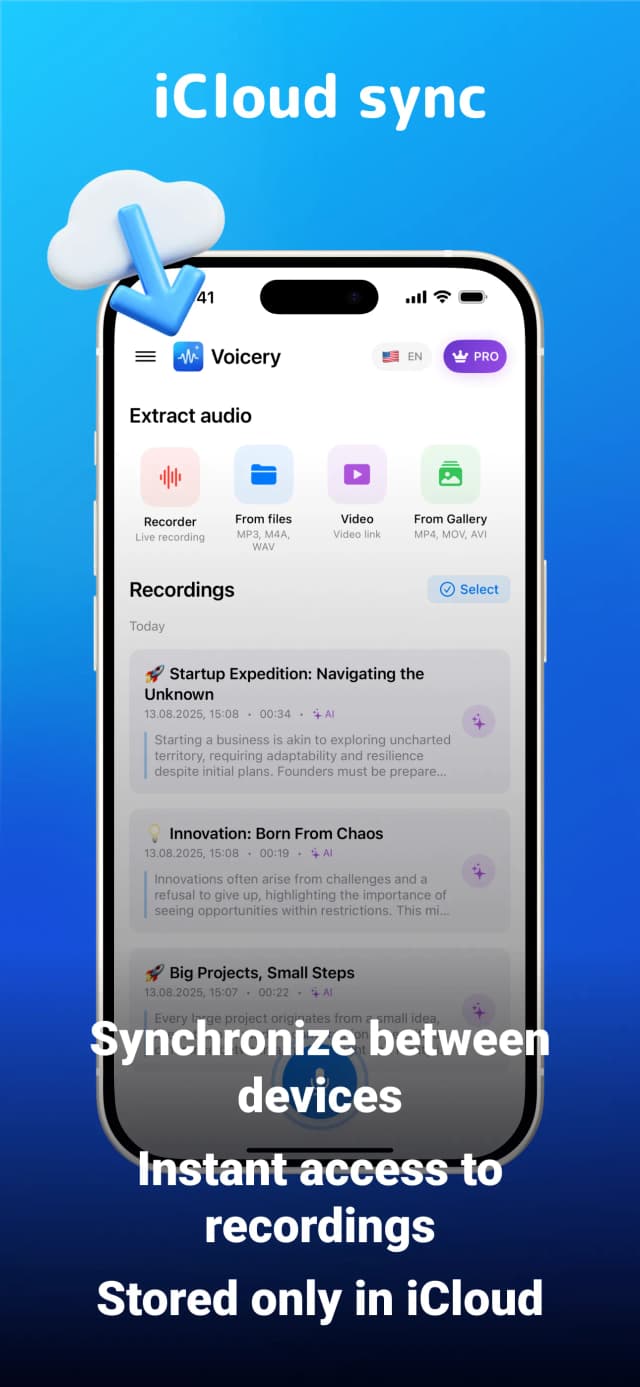
Voicery AI is a professional voice recording and transcription application designed to transform spoken content into clean, accurate text quickly and efficiently. Leveraging advanced AI transcription technology, Voicery enables users to record unlimited audio and automatically generate intelligent summaries, key points, and perfectly formatted text. The app supports multiple languages and is ideal for a variety of professional scenarios including meetings, lectures, interviews, and content creation workflows. With features such as smart text formatting, cloud synchronization, and professional export options, Voicery streamlines the process of converting voice notes into actionable, searchable, and shareable documents. Its seamless integration into professional workflows makes it a powerful tool for productivity enhancement, enabling users to focus on communication while the AI handles transcription and content processing.
Share your honest experience with Voicery




Logseq
Logseq is a privacy-first, open-source knowledge management and collaboration platform designed to help users organize their thoughts, notes, and projects efficiently. It functions as a local-first outliner and note-taking tool that supports markdown and org-mode syntax, enabling seamless linking and structuring of information. With a focus on privacy, Logseq stores data locally on your device, giving you full control over your knowledge base without relying on cloud services. It supports bidirectional linking, graph visualization, and task management features, making it ideal for personal knowledge management, research, and project planning. Logseq also offers extensibility through plugins and themes, allowing users to customize their workspace to fit their workflows. Its open-source nature fosters a strong community-driven ecosystem, providing continuous improvements and integrations. Available across multiple platforms, Logseq empowers users to build a connected, easily navigable digital brain while maintaining security and privacy.

Clevu
Clevu is an AI-powered study app designed to transform traditional note-taking into an interactive and engaging learning experience. By converting your study notes into fun, interactive quizzes, Clevu helps users reinforce knowledge and improve retention effortlessly. The platform leverages advanced AI technology to generate personalized quizzes tailored to the content of your notes, making studying more efficient and enjoyable. Ideal for students and lifelong learners, Clevu acts as a smart study companion that turns passive reading into active recall practice, a proven method for better learning outcomes. With its intuitive interface and AI-driven quiz generation, Clevu simplifies the process of reviewing and mastering study material, ultimately enhancing academic performance and knowledge retention. Whether preparing for exams or seeking to deepen understanding, Clevu offers a modern approach to studying that adapts to individual learning needs.

BrainJot
BrainJot is an AI-powered notetaking companion designed to transform how students capture and retain academic information. By automatically recording lectures and summarizing key concepts, BrainJot eliminates the stress and distraction of frantic note-taking, allowing users to focus fully on understanding the material. The platform intelligently converts spoken content into organized notes, flashcards, and study guides, making revision more efficient and effective. Tailored specifically for real lecture environments, BrainJot supports students in managing their study workload with ease and precision. Its AI-driven approach ensures that notes are comprehensive and concise, helping learners retain more information and prepare better for exams. With a user-friendly interface and features backed by student feedback, BrainJot serves as a powerful academic weapon that enhances productivity and learning outcomes. The service is free to try, making it accessible for students seeking to optimize their study habits through cutting-edge technology.

LifeTracker
LifeTracker is a versatile and intuitive app designed to help users log, visualize, and understand their personal data effortlessly. It allows you to create custom trackers tailored to monitor anything that matters most to you, whether it's habits, moods, fitness goals, or financial activities. With LifeTracker, users gain valuable insights through beautifully crafted charts and flexible data entry options, making it easier to identify patterns and trends over time. The app focuses on simplicity and customization, empowering individuals to take control of their personal growth and well-being by tracking what truly matters. Built with a user-friendly interface and robust data visualization tools, LifeTracker supports a wide range of tracking needs, making it an essential tool for anyone looking to improve productivity, health, or financial management. Its mobile-friendly design ensures that tracking is always accessible, helping users stay motivated and informed on their journey toward better habits and smarter decision-making.

Xopino
Xopino is an innovative platform that combines the power of AI-driven conversational intelligence with the organizational capabilities of tools like Notion, specifically tailored for YouTube videos. It enables users to analyze, summarize, and extract insights from YouTube video transcripts effortlessly. By leveraging advanced natural language processing, Xopino transforms lengthy video content into structured, searchable, and interactive notes, making video consumption more productive and accessible. Ideal for content creators, educators, marketers, and researchers, Xopino streamlines video review and knowledge management, allowing users to quickly find key points, generate summaries, and engage with video content in a more meaningful way. Its intuitive interface and seamless integration with YouTube make it a powerful assistant for anyone looking to maximize the value of video content without the need to watch entire videos repeatedly.

Roam Research
Roam Research is an innovative note-taking tool designed for networked thought, combining the simplicity of a word processor with the power of a graph database. It enables users to effortlessly capture, organize, and connect ideas in a non-linear way, making it ideal for research, writing, and knowledge management. Roam's unique approach allows users to create bi-directional links between notes, fostering a dynamic and interconnected knowledge base that grows over time. The platform supports real-time collaboration, allowing teams to work together seamlessly, while also providing options to store data locally for privacy and control. Available as a web app and desktop applications for Windows, macOS, and Linux, as well as mobile apps for iOS and Android, Roam Research offers flexibility and accessibility across devices. Its intuitive interface makes it easy to use like a traditional document or bulleted list, but with the advanced capability to find and connect related ideas quickly. Roam is especially popular among researchers, writers, and knowledge workers who need to manage complex information and enhance their productivity through networked thinking.